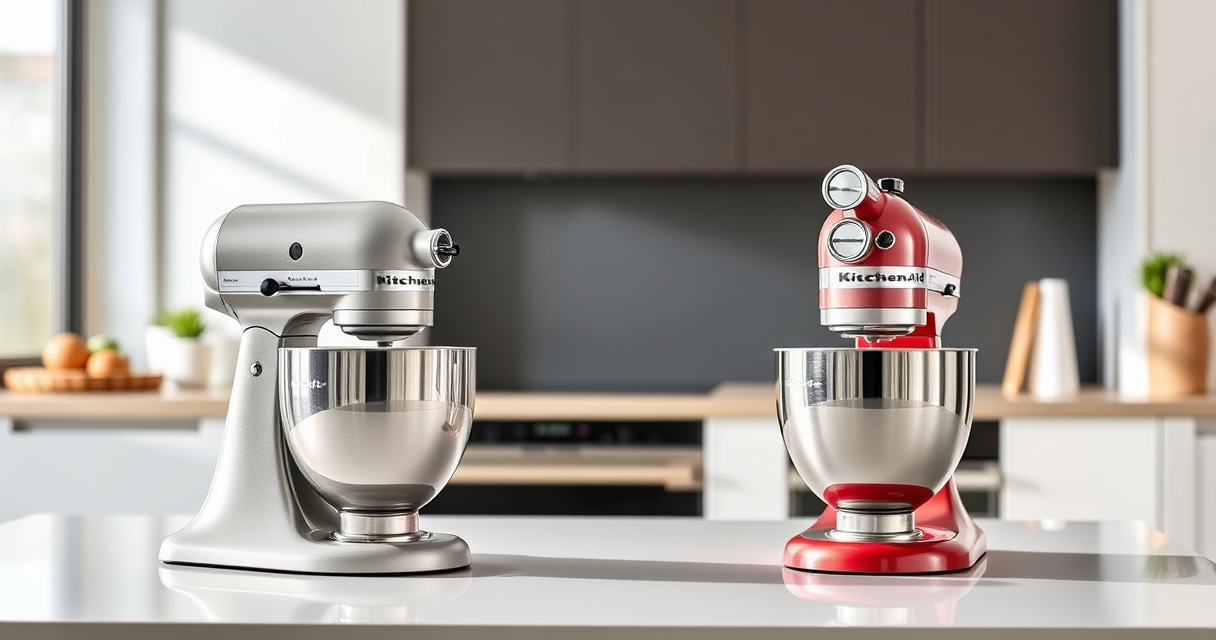

If your KitchenAid Artisan Series 5 Quart Tilt Head Stand Mixer is making unusual grinding noises, it can indicate a problem that needs attention. Such sounds may stem from worn parts, debris, or misalignment, but with proper troubleshooting, you can often resolve them yourself. This guide provides clear, safe steps to identify and fix common causes of grinding noise, helping you restore your mixer’s performance quickly.

Get baking supplies delivered free with Prime
- Fast, free delivery on millions of items
- Prime Video, Amazon Music and more included
- Member-only deals all year
Key Takeaways
| Identify the noise source | Grinding sounds often come from the gear or attachment area. |
| Check for debris or obstructions | Foreign objects or dried ingredients can cause grinding noises. |
| Inspect the gears and attachment connections | Worn or loose gears may need tightening or replacement. |
| Regular maintenance helps prevent noise | Cleaning and lubricating gears reduces wear and noise. |
| Safety first | Always unplug before inspecting or fixing your mixer. |
Step 1: Unplug and Access the Mixer
- Ensure the mixer is unplugged from the power outlet for safety.
- Remove the attachment (e.g., flat beater, dough hook) by lifting the tilt head and detaching it.
- Inspect the attachment hub and surrounding area for visible debris or stuck ingredients.
Step 2: Clean and Check for Obstructions
- Wipe down the attachment hub, gears, and surrounding components with a damp cloth.
- Remove any dried ingredients, crumbs, or debris that could cause grinding noises.
- Check for any foreign objects lodged near the gears or attachment area.
Step 3: Inspect the Gears and Mechanical Parts
- Remove the mixer’s head (if your model allows) following the manufacturer’s instructions.
- Visually examine the gears for signs of wear, damage, or misalignment.
- Ensure the gears are properly seated and not loose or wobbly.
Step 4: Lubricate and Reassemble
- If applicable, apply a small amount of food-grade lubricant to the gear areas, following the manufacturer’s guidance.
- Reassemble the mixer carefully, ensuring all parts are securely in place.
- Replace the attachment and lock the tilt head back into position.
Step 5: Test the Mixer
- Plug the mixer back in and run it at a low speed.
- Gradually increase the speed to check if the grinding noise persists.
- Listen carefully to ensure the noise has been eliminated and the mixer operates smoothly.
The Products in This Guide

KitchenAid Artisan Series 5 Quart Tilt Head Stand Mixer
- ✔ Model: KSM150PS
- ✔ Dishwasher Safe: Yes
- ✔ Included Accessories: Pouring shield, milkshake attachment

KitchenAid Stand Mixer Attachment
- ✔ Model: KSMMGA
- ✔ Color: Metal
- ✔ Cleaning: Hand wash only
KitchenAid Artisan Series 5 Quart Tilt Head Stand Mixer
The KitchenAid Artisan Series 5 Quart Tilt Head Stand Mixer is built with durable metal construction and features 59 touchpoints for thorough mixing. Its tilt-head design provides easy access to the bowl, making cleaning and ingredient addition simple. While generally quiet, occasional grinding noises can be addressed with troubleshooting.
Pros:
- Sturdy metal construction
- Easy tilt-head access
- Multiple speed settings
- Generous 5-quart bowl
Cons:
- Can be heavy to move
- Potential for gear noise if not maintained
Best for: Home bakers wanting a reliable, versatile stand mixer.
Not ideal for: Users seeking a lightweight, portable mixer.
Bottom line: A durable, versatile mixer with troubleshooting tips for grinding noise issues.
KitchenAid Stand Mixer Attachment
This metal food grinder attachment connects seamlessly to your KitchenAid stand mixer, providing a reliable way to grind fresh ingredients. It features multiple grinding plates and sausage stuffer tubes, making it versatile for various recipes.
Pros:
- Sturdy metal build
- Multiple grinding plates
- Large food tray
- Easy to clean
Cons:
- Additional attachment needed
- Requires pre-chilling for best results
Best for: Making fresh ground meats and ingredients.
Not ideal for: For users who don’t plan to grind frequently.
Bottom line: A robust attachment for those who grind ingredients often.
Frequently Asked Questions
Can grinding noise be normal during operation?
A slight noise during grinding or high-speed operation can be normal, but loud or persistent grinding indicates a problem.
Is it safe to open the mixer while it’s running?
No, always unplug the mixer before inspecting or attempting repairs to prevent injury.
How often should I lubricate the gears?
Check your user manual for specific guidance, but generally, lubricate gears if you notice increased noise or resistance.
What should I do if the noise persists after cleaning?
If cleaning doesn’t resolve the noise, inspect the gears for damage or wear and consider professional repair if needed.
Keep Your KitchenAid Running Smoothly
With proper maintenance and troubleshooting, you can often eliminate grinding noises from your KitchenAid stand mixer. Regular cleaning, inspection of gears, and cautious reassembly will help extend its lifespan and keep it performing at its best. If issues persist, consider professional servicing or upgrading to a new attachment to restore quiet, efficient operation.
Affiliate disclosure: As an Amazon Associate we earn from qualifying purchases. Prices and availability are accurate as of the time of publishing.
Fall Picks
fall essentials
As an affiliate, we earn on qualifying purchases.