
Outdoor projectors need more darkness than product photos show because ambient light from streetlights, porch lights, and passing cars can wash out images and dull contrast. Brightness alone isn’t enough to overcome these conditions. Creating a darker environment by turning off nearby lights and blocking light sources makes a big difference. To get the best image quality, you need a more controlled space. Keep going to discover how to set up your perfect outdoor viewing area.
Key Takeaways
- Real-world outdoor lighting and light pollution diminish projector image quality more than product photos suggest.
- Ambient light from streetlights, porch lights, and passing cars washes out projected images outdoors.
- Creating a darker environment with blackout curtains or light-blocking devices enhances outdoor projector performance.
- Minimal natural light and controlled surroundings are essential for achieving vibrant, clear images outside.
- Ideal outdoor setup requires reducing ambient lighting to match or surpass the brightness levels shown in product photos.
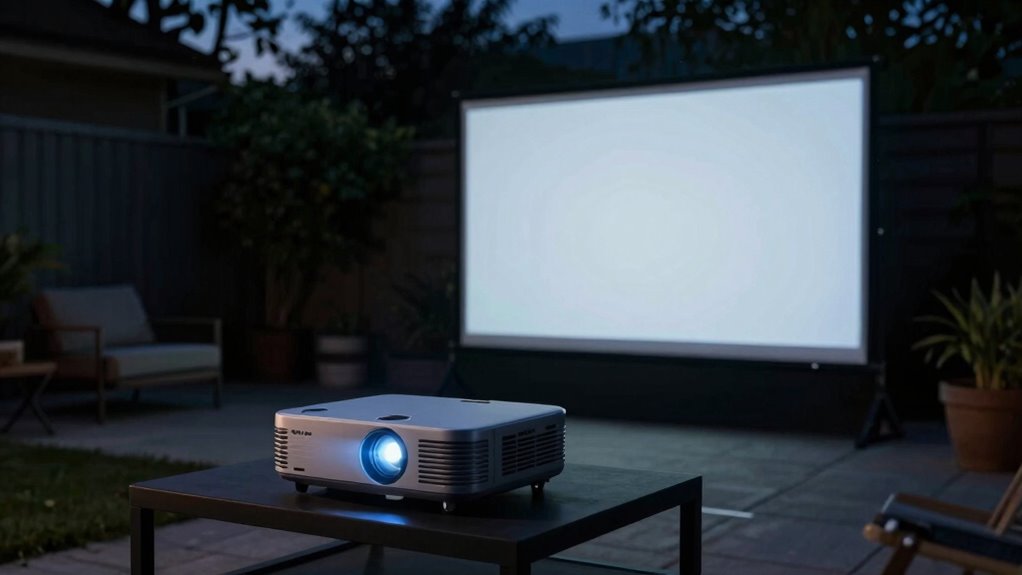
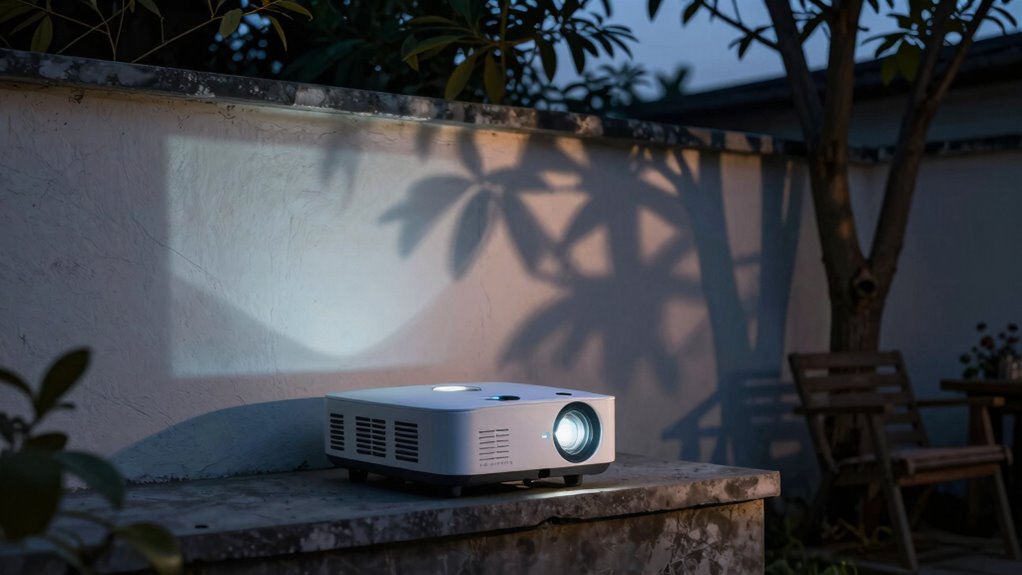
While product photos often show backyard projectors delivering bright, vibrant images in broad daylight, the reality is quite different. In real-world settings, ambient lighting and light pollution can considerably diminish image quality, making it harder to enjoy a clear, sharp picture. You might assume that the projector’s brightness alone will overcome any outdoor lighting, but that’s rarely the case. Light pollution from nearby streetlights, porch lights, or even passing cars can wash out your image, reducing contrast and detail. To get the best results, you need to control your environment as much as possible, especially by minimizing ambient lighting.
Ambient light and light pollution often diminish outdoor projector image quality more than brightness alone.
It’s tempting to think that brighter projectors can handle outdoor lighting with ease, but in truth, many models struggle unless used in darker conditions. Even a small amount of ambient lighting can wash out the picture, making colors look dull and details hard to distinguish. That’s why creating a darker viewing area is essential. When you set up your projector, aim to shed any unnecessary light sources—cover or turn off nearby lights, or use blackout curtains if possible. The darker the environment, the more your projector’s capabilities shine through, and the more vibrant and detailed your image will appear.
Light pollution isn’t just about streetlights or porch lamps; it also includes the residual glow from the moon or distant city lights. These sources add to ambient lighting levels, further reducing your projector’s contrast and brightness. It’s worth investing in some form of light control, like outdoor curtains or a portable privacy screen, to block out unwanted ambient lighting. Additionally, understanding the impact of ambient lighting on image quality can help you better plan your setup. Recognizing the importance of light pollution is essential for optimizing outdoor viewing conditions. The presence of ambient lighting can be mitigated with strategic placement and light-blocking devices, ensuring a better viewing experience. To improve your setup, consider researching light pollution reduction techniques to enhance image clarity. Being aware of light pollution effects can guide you in choosing the right setup and accessories for optimal image quality. Keep in mind that even the best projector won’t produce stunning images if the surrounding light is too intense. Instead, focus on creating a controlled, darker space that allows your projector to perform at its best.
Ultimately, understanding the impact of light pollution and ambient lighting is vital to enjoying your backyard projector. While manufacturers often showcase impressive images in idealized conditions, your real-world experience depends heavily on how much ambient light you can eliminate. If you’re serious about outdoor movie nights, plan your setup carefully—choose a time when natural light is minimal, and consider installing light-blocking solutions. By doing so, you’ll see that backyard projectors truly need more darkness than product photos suggest, and the effort will be well worth it for a crisp, vibrant viewing experience.
As an affiliate, we earn on qualifying purchases.
Frequently Asked Questions
Do Projector Brightness Levels Vary Significantly Between Brands?
Yes, projector brightness levels vary considerably between brands. When doing a brand comparison, you’ll notice brightness variability, especially at similar lumen ratings. Some brands might deliver better image quality even with lower lumens, while others need higher brightness to compensate for lower contrast. It’s important to look beyond specs and read reviews, because actual brightness and performance can differ, affecting your viewing experience in your backyard.
Can Outdoor Lighting Be Completely Eliminated During Projector Use?
You can’t completely eliminate ambient lighting during projector use, as even minimal light impacts picture quality. To get the best image, you’ll want to minimize ambient lighting, but some is unavoidable. Keep in mind, reducing ambient lighting often increases power consumption, as you’ll need more effective light-blocking solutions like heavy curtains or blackout shades. Balancing lighting and power use guarantees your outdoor movie experience stays bright without wasting energy.
How Does Screen Type Affect Outdoor Projection Visibility?
You’ll find that screen type greatly impacts outdoor projection visibility, especially in ambient light. For example, matte screens reduce glare and improve contrast, making images clearer in brighter conditions, while glossy screens reflect more ambient light, diminishing picture quality. Screen texture plays an essential role—you want a matte finish to minimize reflections and enhance contrast, ensuring your projection remains vivid even when outdoor lighting isn’t perfectly dark.
Are There Specific Projector Features for Better Outdoor Performance?
Yes, for better outdoor performance, look for projectors with high lumens and good contrast ratios to combat ambient light. You should also consider features like adjustable keystone correction and lens shift for ideal projector placement, ensuring the image remains clear even with some ambient light. Additionally, outdoor-specific projectors often have water-resistant designs, making placement easier and more reliable in varying outdoor conditions.
What Is the Ideal Setup Time for Outdoor Projector Use?
You should plan for a setup time of about 15 to 30 minutes for outdoor projector use. Don’t worry if it seems quick; controlling ambient light is key. Wait until it’s fully dark or use blackout curtains or shades to minimize light interference. Properly positioning your projector and adjusting settings early guarantees a crisp picture and an enjoyable movie night, even if ambient light is a challenge.
Conclusion
So, before you toss your old projector into the ‘for sale’ bin, remember: those glossy product photos might have been shot in a darkroom, not your backyard. You’ll need more darkness than you think to get a clear picture—think of it as the 21st-century version of a magic lantern show. Don’t be fooled by the marketing hype; for a true cinematic experience, dim your lights and embrace the shadows.